AI study methods
How to ask useful AI questions from lecture PDFs
A practical method for asking an AI tutor about lecture slides, diagrams, code, equations, and difficult concepts while keeping answers grounded in the original material.
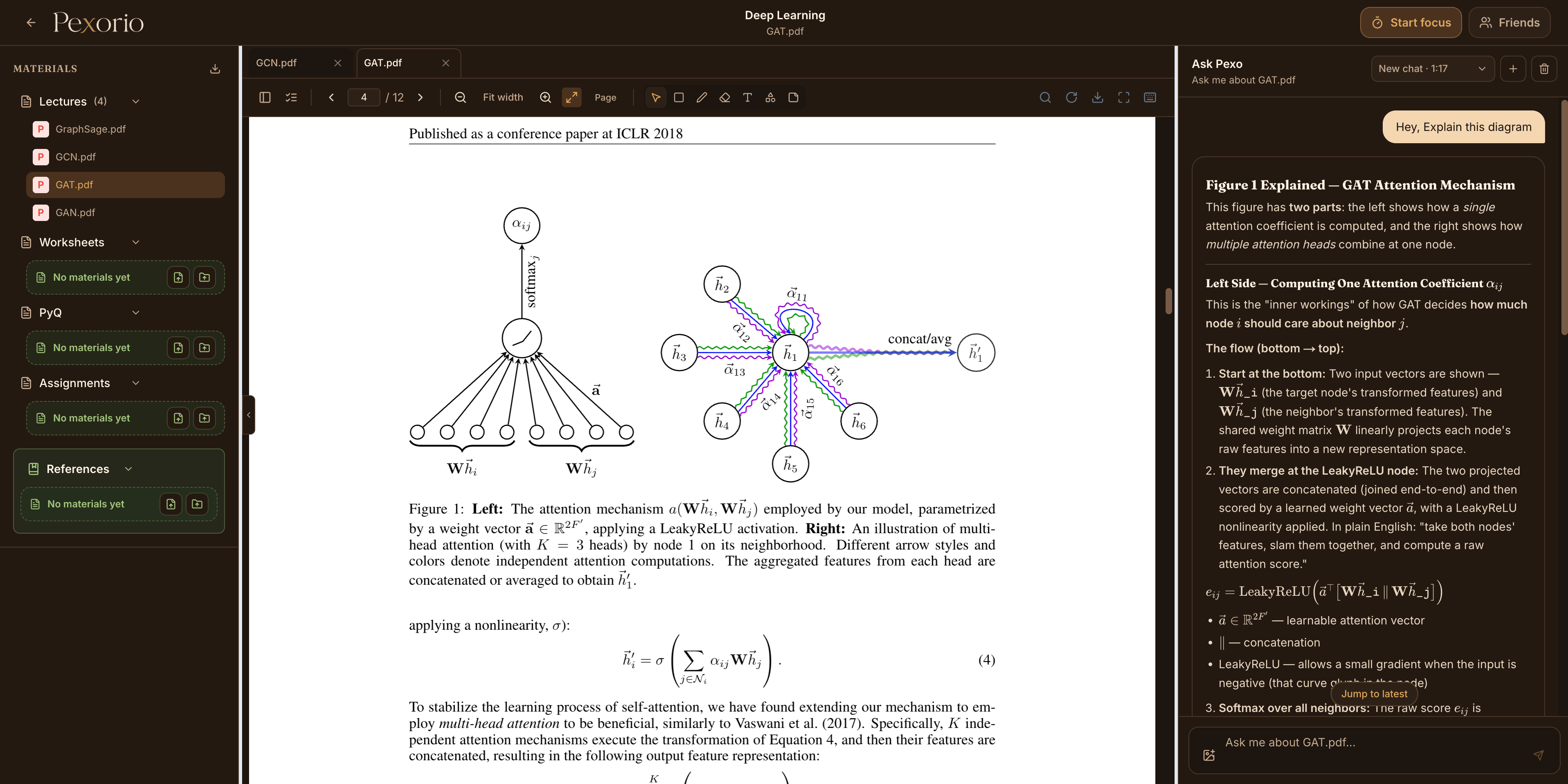
Uploading a PDF and asking summarize this often produces an answer that is broad, forgettable, and difficult to verify. Better results come from choosing a specific part of the material and asking for the kind of help you actually need.
The goal is not to make the prompt sound technical. It is to make the learning problem observable: what are you looking at, what do you understand already, and what should the explanation help you do next?
01
Start from the exact page or region
Open the lecture at the page where the confusion begins. If the question is about one diagram, table, equation, or code fragment, select that region instead of asking about the whole document.
A smaller source area gives the tutor a clearer target and makes it easier for you to compare the answer with the original material.
- Explain this diagram and describe what each arrow represents.
- What does this equation calculate, and what does each term mean?
- Walk through this code using a small input example.
02
Say what kind of confusion you have
There is a difference between not knowing a definition, not understanding a relationship, and not seeing how a method is applied. Naming that difference helps the answer focus on the missing step.
For example, I know what atomicAdd does, but I do not understand why two calls use different memory locations is more useful than explain atomics.
- Ask for prerequisites when the slide seems to skip a step.
- Ask for a contrast when two concepts look similar.
- Ask for a trace when a process changes over time.
03
Choose the form of the explanation
An explanation can be conceptually correct and still be unhelpful. Request a form that matches the material: a numbered flow for an algorithm, a table for a comparison, a worked example for a formula, or a line-by-line trace for code.
When the first answer is too dense, do not simply ask it to be shorter. Identify the part that needs a different representation.
- Explain it first in plain language, then connect each sentence to the notation on the slide.
- Compare the two diagrams in a table with purpose, input, output, and communication cost.
- Use four threads and eight values to trace one pass of this reduction.
04
Use follow-up questions to test the explanation
A good follow-up should make you do some of the thinking. Ask the tutor to give you a near example, change one assumption, or pose a short concept check without revealing the answer immediately.
This moves the interaction from reading another explanation to checking whether you can use it.
- Give me one similar example and let me predict the output.
- What changes if the data is in global memory instead of shared memory?
- Ask me three questions that distinguish collectives from point-to-point communication.
05
Return to the source and verify
Keep the PDF visible beside the answer. Check names, signs, units, assumptions, page references, and any conclusion that matters for assessed work.
If an answer introduces a claim that is not supported by the visible material, ask where it came from. For course-specific definitions and marking expectations, the lecture, textbook, or instructor remains the authority.
- Verify equations and numerical results independently.
- Check whether the answer confuses a general convention with your course's convention.
- Do not treat generated citations as valid until you open and confirm them.
06
Turn understanding into practice
Once the explanation makes sense, close the loop. Summarize the concept in your own words, solve a nearby problem, or create a short practice test from the same lecture topics.
The most useful AI interaction ends with evidence that you can recognize or apply the idea without reading the answer again.
A useful system should reduce friction.
The strongest prompt is usually not long. It identifies a precise source, names the learning gap, requests a useful form, and leaves room for verification and practice. Keeping the material and the conversation together makes that process easier to repeat.
See how Pexo works inside course materials