Add course material
Keep lecture PDFs, worksheets, previous-year questions, assignments, and references under the course they belong to.
Course-aware AI tutoring
Open a lecture, select the part that matters, and ask Pexo for an explanation without rebuilding the context in a separate chat.
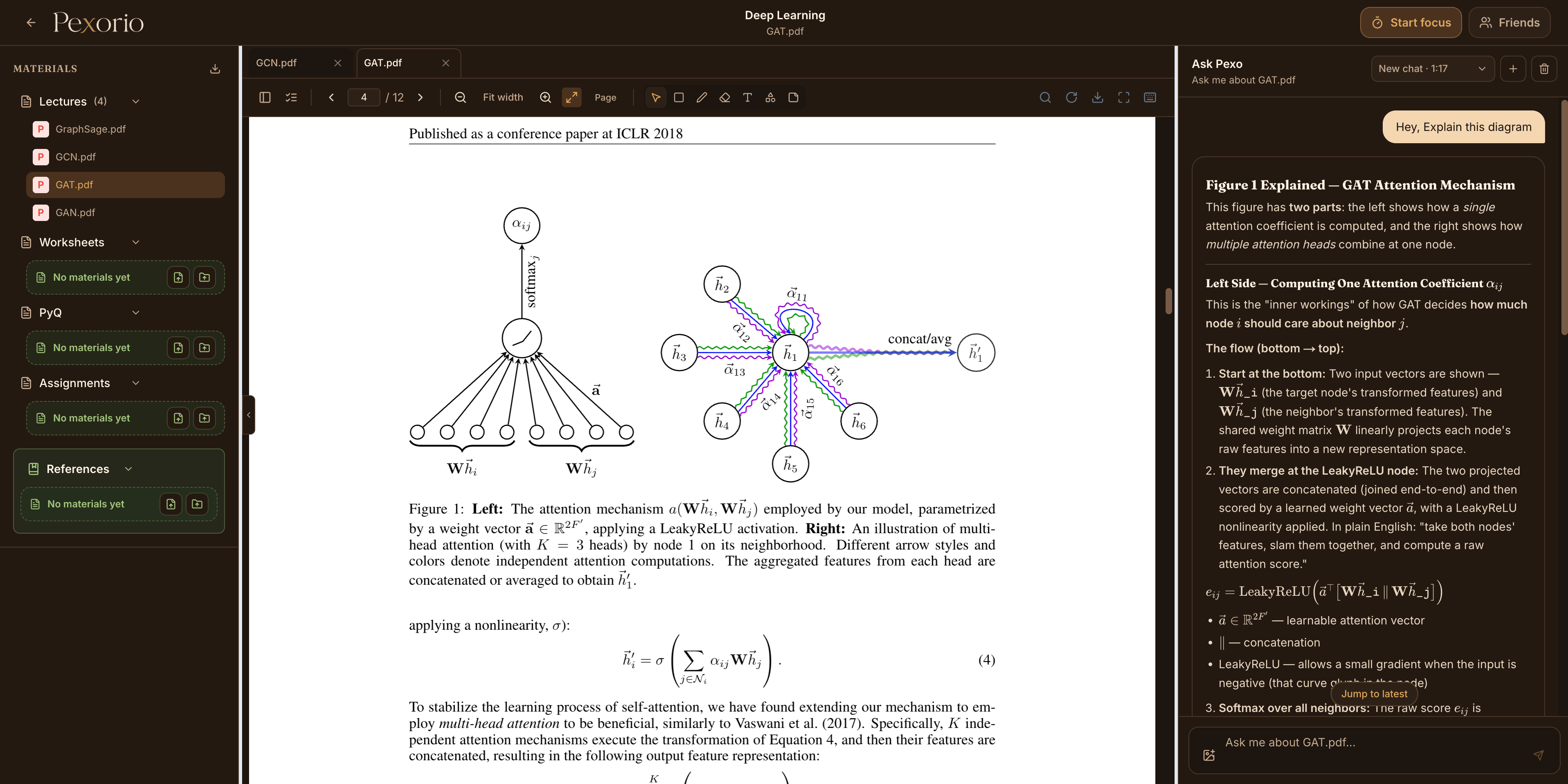
General AI chats often begin with copy-pasting a paragraph, explaining the course, and describing where you are stuck. Pexorio keeps that context attached to the course workspace instead.
Pexo can use uploaded lectures, notes, references, annotations, and the currently open material to make its response more relevant to the work on screen.
How it works
Keep lecture PDFs, worksheets, previous-year questions, assignments, and references under the course they belong to.
Read and annotate the material in Pexorio. When a page or selected area matters, ask about it directly.
Ask follow-up questions while the course and material context remain available, then return to the source when you need to verify a detail.
01
A diagram can be easy to see and hard to interpret. Pexorio lets you draw a box around a relevant region and ask Pexo to explain or summarize what is there.
That is particularly useful when a slide assumes background knowledge, uses abbreviated labels, or places a visual next to code or equations that need to be read together.
02
The Study Desk assistant can look across deadlines, todos, courses, and the calendar. Pexo inside a course is intended for deeper questions about that course's material.
This separation keeps planning requests and subject questions from competing for the same context.
Use academic judgement. AI explanations can be incomplete or mistaken. Check important definitions, derivations, citations, and course-specific requirements against the original material and your instructor's guidance.
Continue reading